


Integrated with leading logistics and transport systems















How does smart documents work
Turn Your Documents in to Data
Upload Documents
Easily upload CMRs, invoices, or transport orders directly from your email or computer.
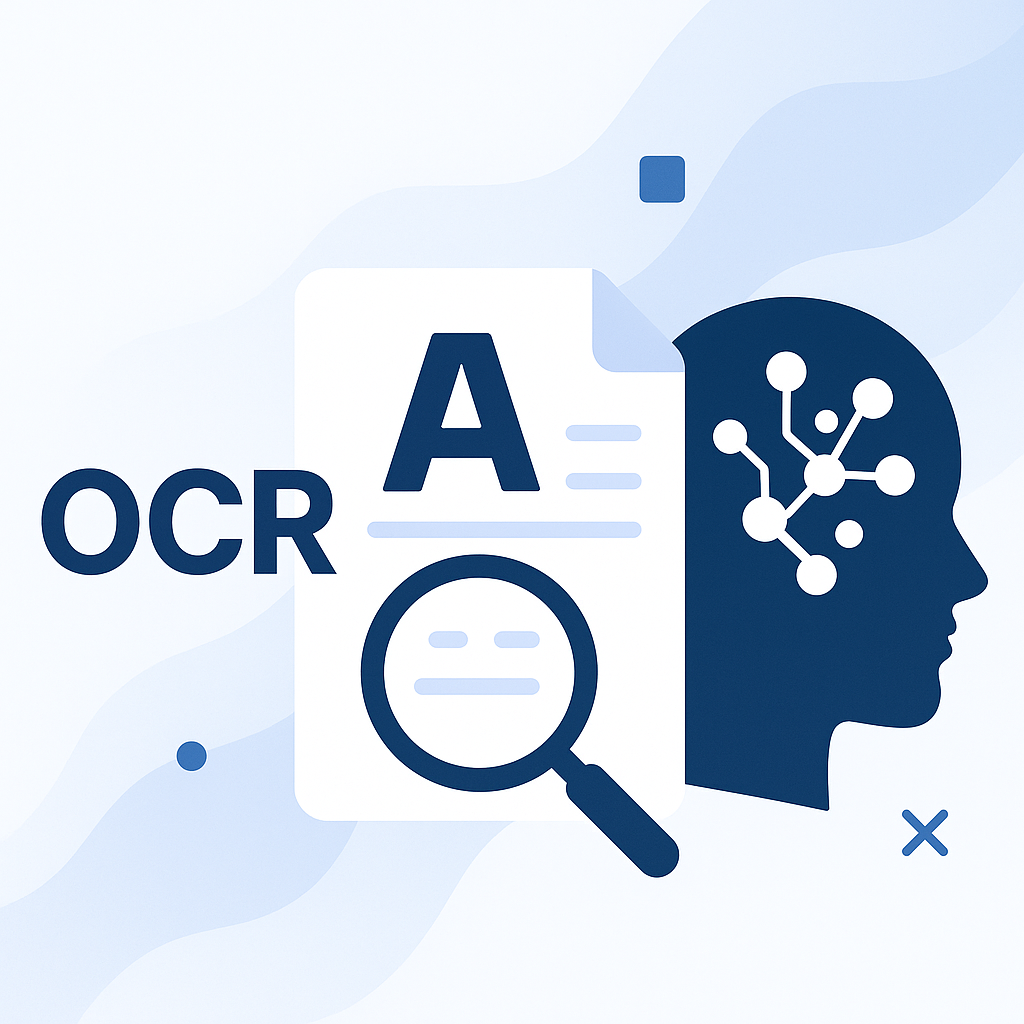
AI Scans & Analyzes
Our OCR engine reads every field — including cargo type, sender, receiver, and pricing details.
Safety & Compliance Check
AI automatically detects hazardous cargo or missing data and alerts you before import.
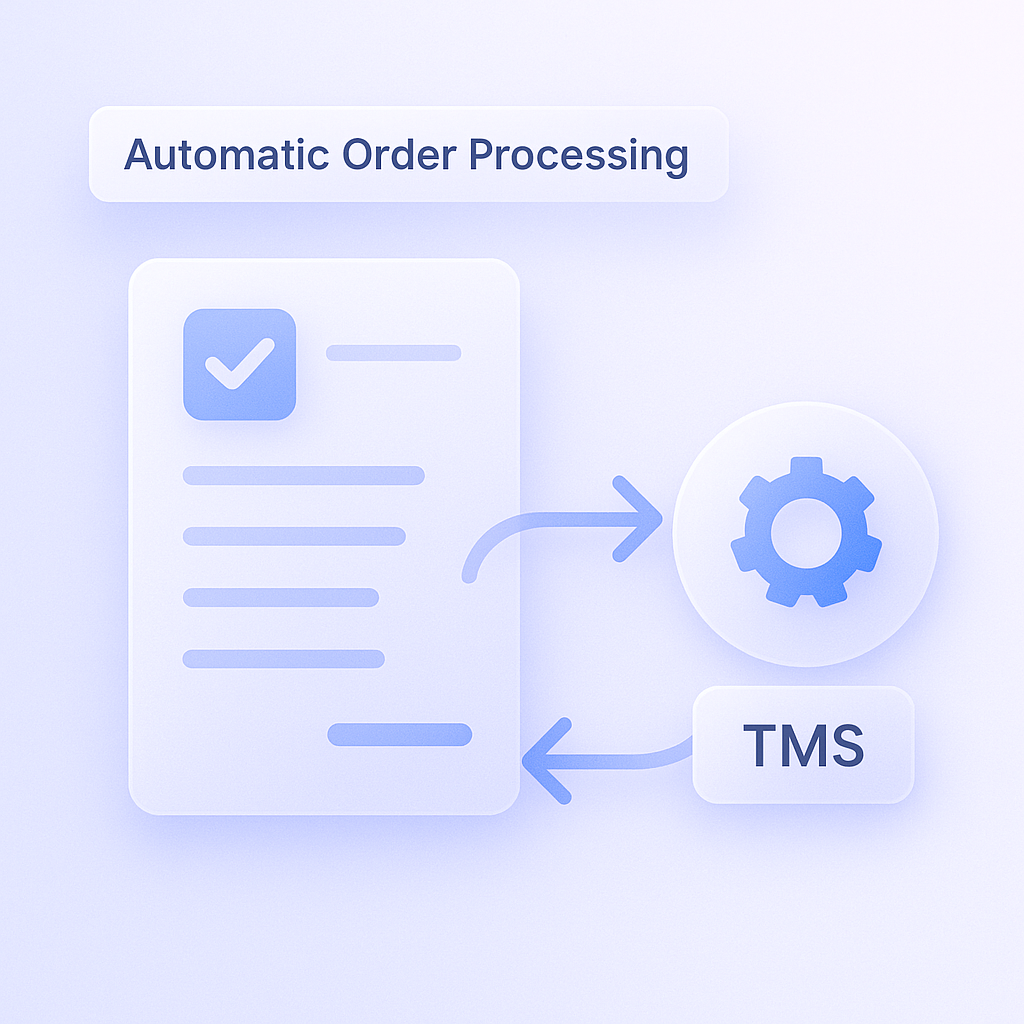
Auto-Sync to TMS
Verified information is instantly transferred to your TMS, fully mapped and ready to process.
<
0
9
8
7
6
5
4
3
0
8
7
6
5
3
0
s
Order Implemenation
9
0
9
8
7
6
5
4
0
0
8
7
6
5
3
0
%
Manual Less Manual Typing
8
0
9
8
7
6
5
4
0
0
8
7
6
5
3
0
%
Error Reduction
9
0
9
8
7
6
5
4
9
0
8
7
6
5
3
0
%
OCR data-capture Accuracy
How Automated Invoices work

Auto-Generate Invoices
When a load is completed, AI instantly creates the invoice based on your saved templates and presets.

Smart Delivery
Invoices are automatically sent to the right contact via email or synced directly to your TMS system.

Payment Tracking & Reminders
AI monitors due dates and automatically sends reminders for overdue or delayed invoices.
Frequently asked questions
Everything you need to know about Smart Docs
How accurate is the OCR system?
Our OCR engine achieves over 99% accuracy and continuously improves with each scanned document.
Which document formats are supported?
We support PDFs, images (JPG, PNG), scanned CMRs, invoices, and transport orders.
Can I review data before it’s sent to TMS?
Yes — you can manually approve or edit extracted data before it’s synced to your system.
Can the invoicing module be customized?
Absolutely — you can set invoice templates, payment terms, currencies, and email preferences.
Does it integrate with my TMS?
Yes, Smart Docs integrates seamlessly with your existing TMS, ERP, or accounting system via API.